ASIC Miner ICERIVER KAS KS0 Profitability In the realm of cryptocurrency mining, the Iceriver KAS KS0 miner has garnered widespread attention. Tailored specifically for the Kaspa network's KHeavyHash algorithm, it boasts high hashing power and low power consumption, making it an ideal choice for many miners. In this article, we will comprehensively assess IceRiver KS0 profitability while considering the Kaspa market conditions and the attributes of KS0 miner. Kaspa Market Dynamics Kaspa is a vibrant cryptocurrency network aimed at delivering high performance and scalability for everyday transactions. At the time of writing this article, the Kaspa coin trades at approximately $0.04959. But it's essential to note that cryptocurrency markets are highly susceptible to price volatility. Hence, investors must remain vigilant about market dynamics. Additionally, the Kaspa network's mining difficulty and reward mechanisms play a role in mining returns. Attributes of the IceRiver KS...
How to install a fan simulator?
Before modifying the miner fan into a fan simulator, please ensure that the PSU is installed correctly. The correct installation process of the fan simulator is as follows:
1. Cut the fan cable to be used for a fan simulator.

2. Remove a section of the mantle from the cable.
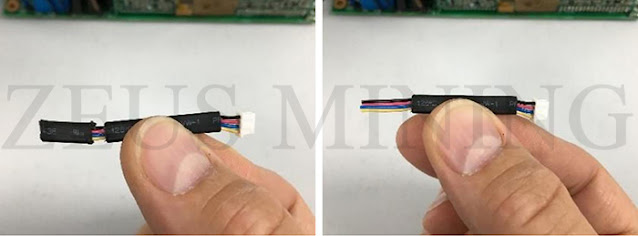
3. Break off a fan simulator from the row.
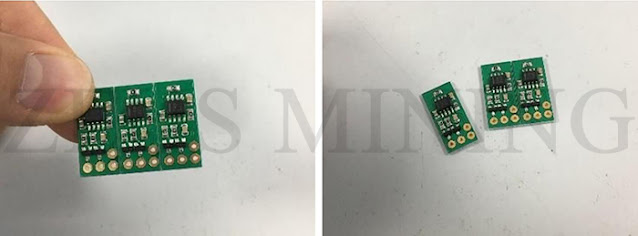
4. Trim wires from fan cable.
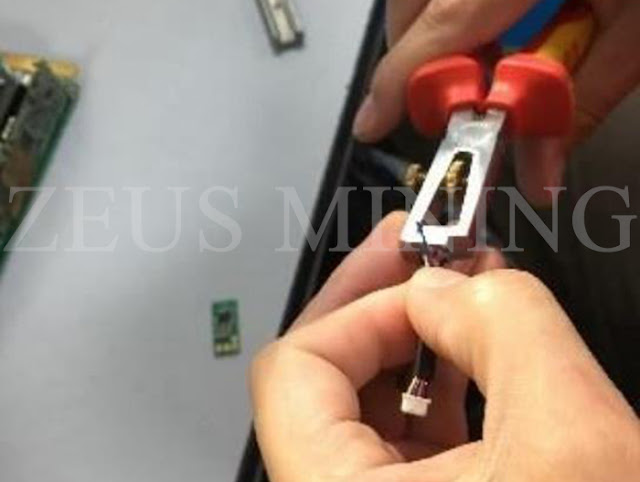
5. Place in position ready to be attached to the fan simulator.

6. Using a soldering iron attach the wires to the fan simulator.
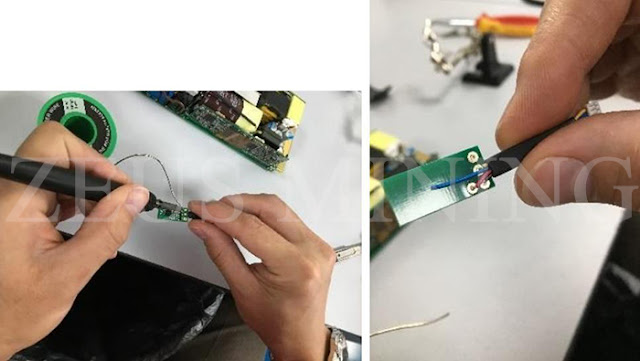
7. Cut a piece of heat shrink to the right length to cover the fan simulator and wires.

8. Use a heat gun to shrink to the size of the fan simulator.

9. Attach the fan cable to where it was previous; now, the fan simulator is in its place.
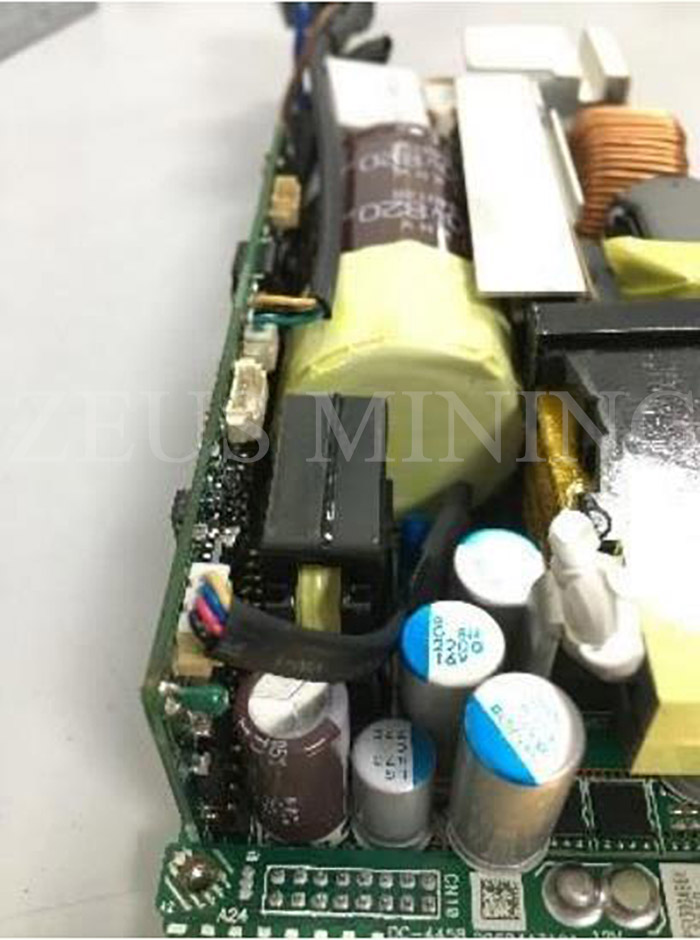
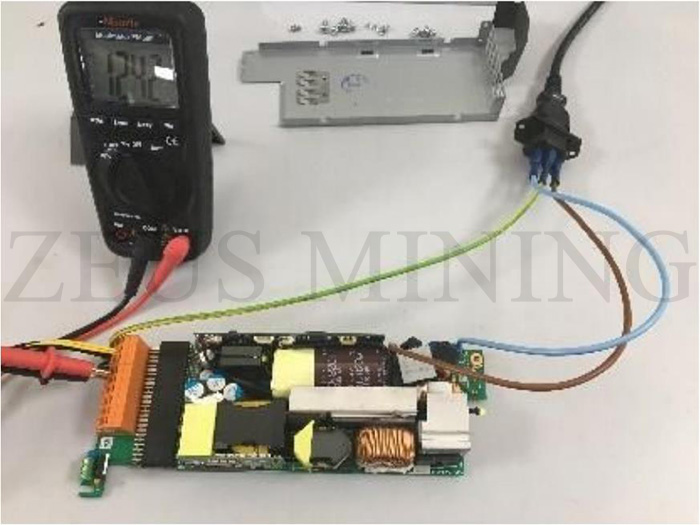
10. Use fluke 15B+ multimeter to test the PSU. Ensure that it delivers around 12V when it is unloaded.
Comments
Post a Comment
Tell us your opinion